pinwheel block to make asterisk and polygon blocks.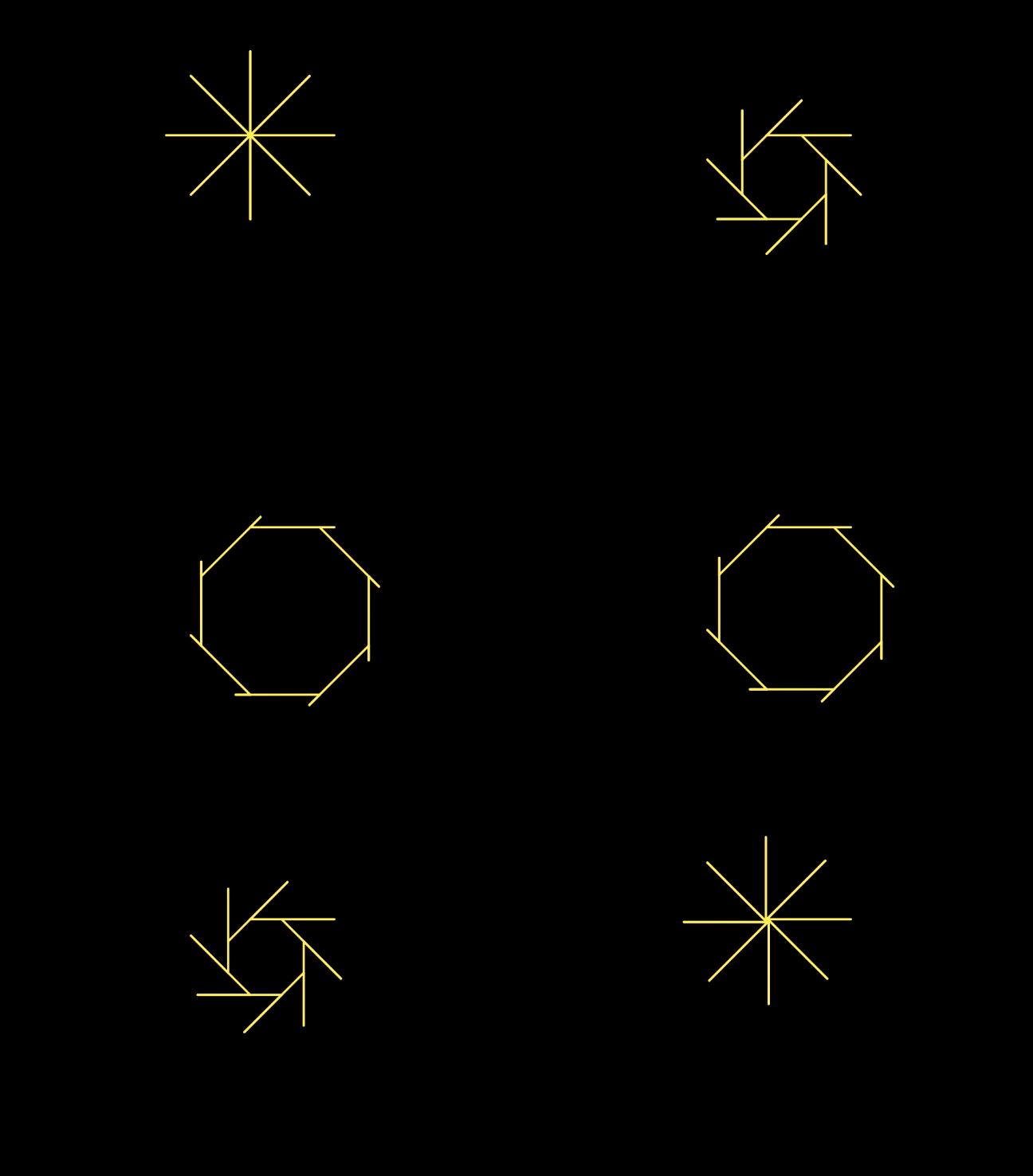
Pinwheel to Make Polygonpinwheel block to make asterisk and polygon blocks.
You can use your general-purpose pinwheel procedure to create other, simpler special-purpose procedures that each do a particular job.
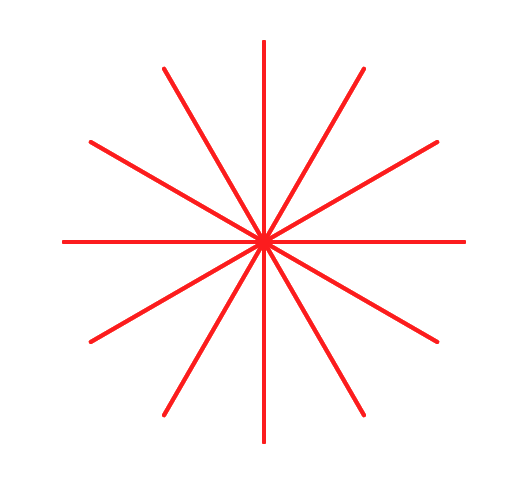
pinwheel block to create a more specialized asterisk block.
asterisk with two inputs: one for the number of branches and one for the length of each branch. You may wish to review how to make a new block at Unit 1 Lab 2 Page 4: Making Your Own Block.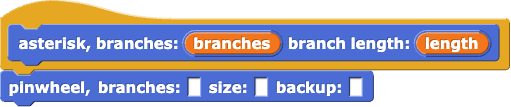
pinwheel so that it correctly draws an asterisk.
polygon block that uses pinwheel with appropriate inputs to draw a polygon with a given number of sides and side length.
You can use pause all to place breaks in your code so you can see what's happening along the way. When you run code with pause all in it, you can click the yellow Run/Pause button next to the Green Flag ( /
/ ) to move through the code up until a
 pause all block is reached again. The pause all block will pause every script that is running until the yellow Run/Pause button is clicked.
On page Unit 1 Lab 2 Page 2: Making Programs Talk, you learned about procedural abstraction: giving a code segment a name (making it a block). That way you can call it more than once instead of copying and pasting.
Here is another kind of abstraction: noticing that asterisk and polygon are both kinds of pinwheels, and writing one, more general, pinwheel block that uses an input so that the block can be used to make asterisks, polygons, or other interesting designs.
This is an example of abstraction by generalization: looking at chunks of code that are almost the same and writing a single block by using an input to distinguish among the different cases.
pinwheel and see how you're using it in polygon, you'll see that there are steps that you don't really need for the case of a polygon. Write another version of polygon built directly out of primitive blocks (move, turn and so on). How simple can you make it?polygon block draws the right picture, it doesn't matter to the rest of the project what's inside it.

pinwheel block code one last time to create a circle block that accepts one input for the size.random block together with set pen color and set pen size to draw a variety of shapes.